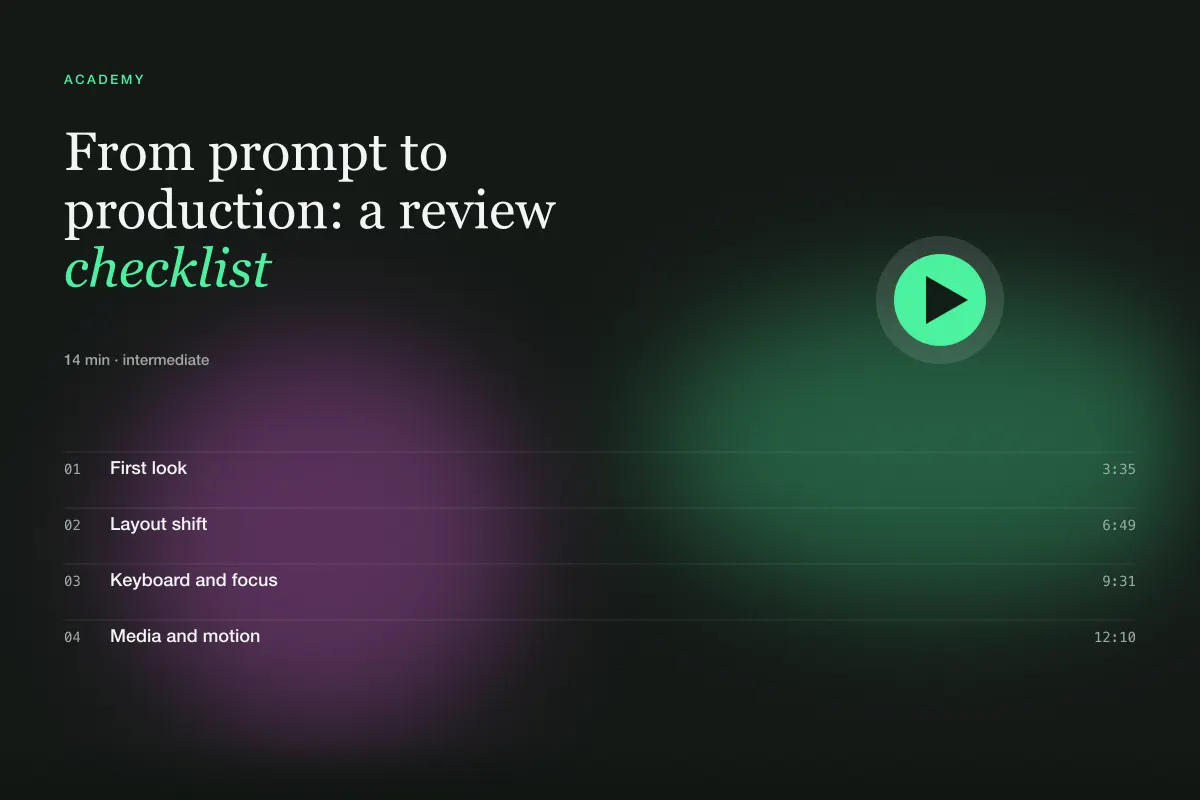
From prompt to production: a review checklist
The twenty-minute pass we run on every generated page before it ships — layout shift, focus, media, motion and copy.
Published · Updated
First look
Generated pages fail in predictable ways, which means they can be reviewed in a predictable order. This is the pass we run on every prompt output before it is published or handed to a client. It takes about twenty minutes and catches most of what a first-time visitor would notice.
Start by loading the page on a phone-sized viewport with the network throttled. Not because that is how most people will see it, but because it exposes every shortcut at once: oversized images, missing posters, layout that assumed a wide screen.
Layout shift
Scroll the page slowly and watch for anything that moves after it appears. The usual suspects:
- Images without an aspect-ratio box. Every image and video needs reserved space; ask the builder to wrap media in a container with
aspect-ratioset. - Web fonts swapping in late. Preload the display font and use
font-display: swapwith a metric-compatible fallback. - Accordions and tabs that push content around on open without animating height.
- Dynamic content (counters, timestamps) that changes width. Tabular numerals fix most of it.
Measure with the browser's performance panel if you like, but your eyes are enough at this stage: a shift you can see is a shift a visitor will feel.
Keyboard and focus
Put the mouse away. Tab through the page from the top.
- Is there a skip link? Does the focus order follow the visual order?
- Does every interactive element show a visible focus ring? Generated code often removes outlines "for design"; restore them with
:focus-visible. - Do hover-revealed actions also appear on focus?
- Do overlays trap focus, close on Escape and return focus to the trigger?
- Can you operate sliders, tabs and accordions with arrow keys?
Then turn on a screen reader for five minutes. You are not auditing; you are listening for nonsense — unlabeled buttons, images described as "image", headings out of order.
Media and motion
Check every video: muted, playsinline, preload="none", a poster, and paused when off-screen. Check every animated background: does it pause on hover if it contains content, and does it stop under reduced motion? Toggle the reduced-motion setting in your OS and reload — the page should be identical in layout and quieter in behaviour.
Look for motion that repeats when you scroll back up. Entrances should run once.
Copy
Read every word on the page. Generated copy tends toward three failures: lorem ipsum that survived, superlatives ("revolutionary", "seamless", "supercharge"), and claims that are not true for your product. Replace all three. Headlines should say something specific; buttons should say what happens next; fine print should be real.
Check numbers. If the prompt asked for a stat band and the builder invented figures, either make them true or remove them.
Shipping
Before publishing:
- Run a build and fix warnings; generated code often imports things it does not use.
- Confirm images are served in a modern format at sensible sizes, and that the largest image is lazy-loaded unless it is in the hero.
- Set the document title, meta description and an Open Graph image.
- Test the deep links: refresh on every route, share a URL with query parameters and make sure it opens the same state.
Finally, keep a note of what you fixed. If the same problem appears on three pages in a row — outlines removed, posters missing, superlatives in headlines — the fix belongs in the prompt or in your DESIGN.md, not in the review. Over a few weeks the checklist gets shorter because the prompts get better, which is exactly the loop you want.
Twenty minutes, most of it looking rather than typing. Do it every time and the pages you ship from prompts will be indistinguishable from the ones you build by hand — except that they took an afternoon instead of a week.