A DESIGN.md workflow for AI builders
Put a design blueprint in your repo so every prompt inherits the same tokens, type and motion rules.
Published · Updated
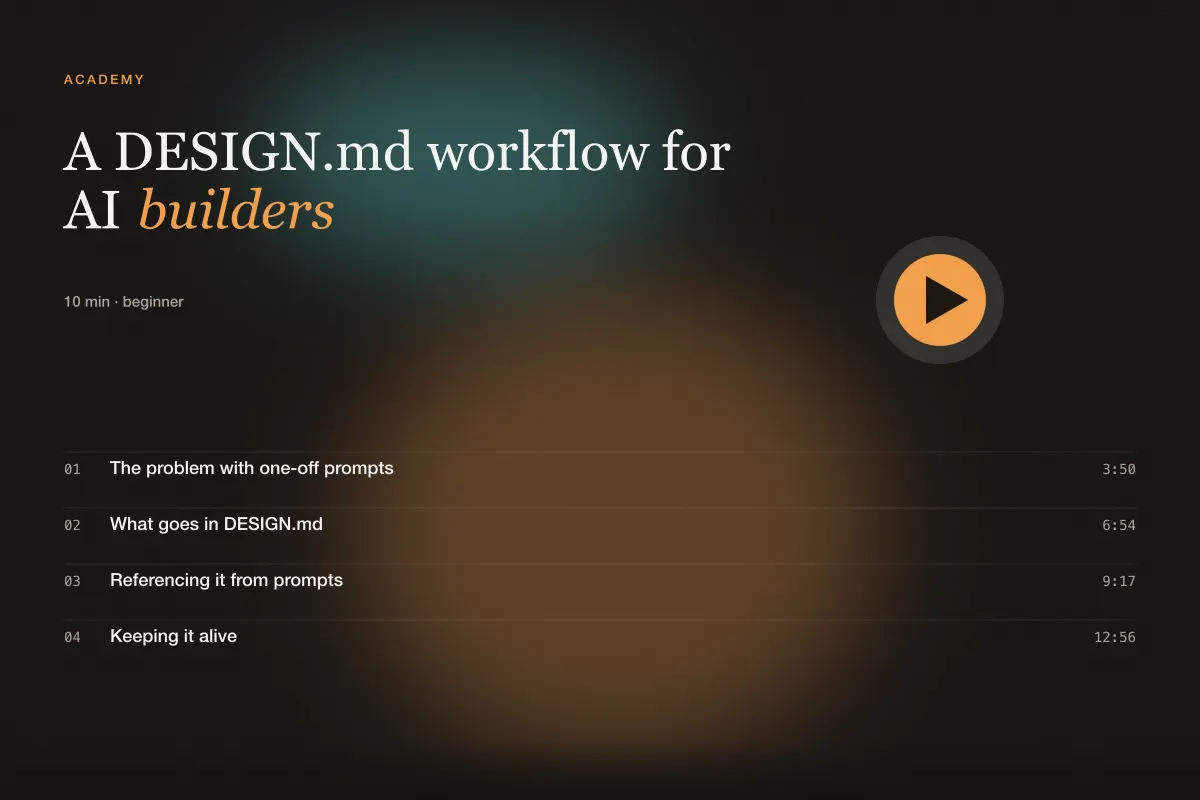
The problem with one-off prompts
A good prompt produces a good page. Ten good prompts produce ten good pages that do not quite match: the button radius drifts, the grey changes, one page animates at 300ms and another at 600ms. Each prompt was internally consistent; the site is not.
The fix is to move the decisions that should never change out of the prompts and into a file the builder reads every time. We call that file DESIGN.md, and the library ships several blueprints you can start from.
What goes in DESIGN.md
A blueprint answers the questions a designer would otherwise answer differently on a Tuesday than on a Friday:
- Principles — four or five sentences about what matters. "Surfaces, not shadows, create depth." These steer every judgement call.
- Tokens — the actual CSS custom properties: backgrounds, surface ladder, borders, text, muted text, one accent, radii, spacing unit. Real values, not descriptions.
- Typography — families, the size scale, tracking rules for large sizes, measure limits, numeral style.
- Layout — container widths, grid, section rhythm, card rules.
- Components — sizes and states for buttons, inputs, cards, badges and tables. This is the section that stops radius drift.
- Motion — durations, the one easing curve, reveal pattern, loop rules, reduced-motion policy.
- Media — aspect-ratio boxes, poster requirements, video attributes.
- Accessibility — contrast targets, focus style, keyboard rules.
- Do not — the short list of things that would break the system. Builders respect explicit prohibitions far more than implied ones.
Keep it under two screens. A blueprint nobody reads is a blueprint nobody follows.
Referencing it from prompts
Once the file exists at the root of your project, every prompt shrinks. Type and colour sections become a single line — "follow DESIGN.md tokens and type scale" — and the prompt spends its words on what is unique to the page: the sections, the content, the one special moment.
Two habits make this reliable. First, put the file where the builder looks by default: repository root, next to README.md. Second, open each prompt with the sentence "Read DESIGN.md first and follow it; where this brief conflicts, DESIGN.md wins." Builders treat that as a hard rule.
A before-and-after makes the saving concrete. Without a blueprint, a pricing-section prompt spends a paragraph on colours, a paragraph on type and a paragraph on button sizes before it says anything about pricing. With one, the same prompt is four sentences: what the tiers are, how the toggle behaves, which card is recommended, and how the table collapses on mobile. The output is more consistent and the prompt is easier to review, because everything in it is specific to the page.
If you work with several builders — one for marketing pages, another for the app — give them the same file. Consistency across tools is the whole point; the blueprint is the contract they all sign.
Keeping it alive
A blueprint is a living document. When you make a decision in a prompt that you would want to keep — a new badge variant, a rule about marquee speed — move it into DESIGN.md the same day. When you find yourself overriding it repeatedly, change the blueprint rather than fighting it.
Version it like code. A short changelog at the bottom ("2026-09: accent changed from blue to chartreuse; buttons 44px → 40px in apps") means a new teammate, or a new builder session, can understand why the site looks the way it does.
The Editorial Light and SaaS Dark blueprints in the library are good starting points — copy one, delete what does not apply, and change the tokens to yours. In the next lesson we take a finished prompt through review and into production.