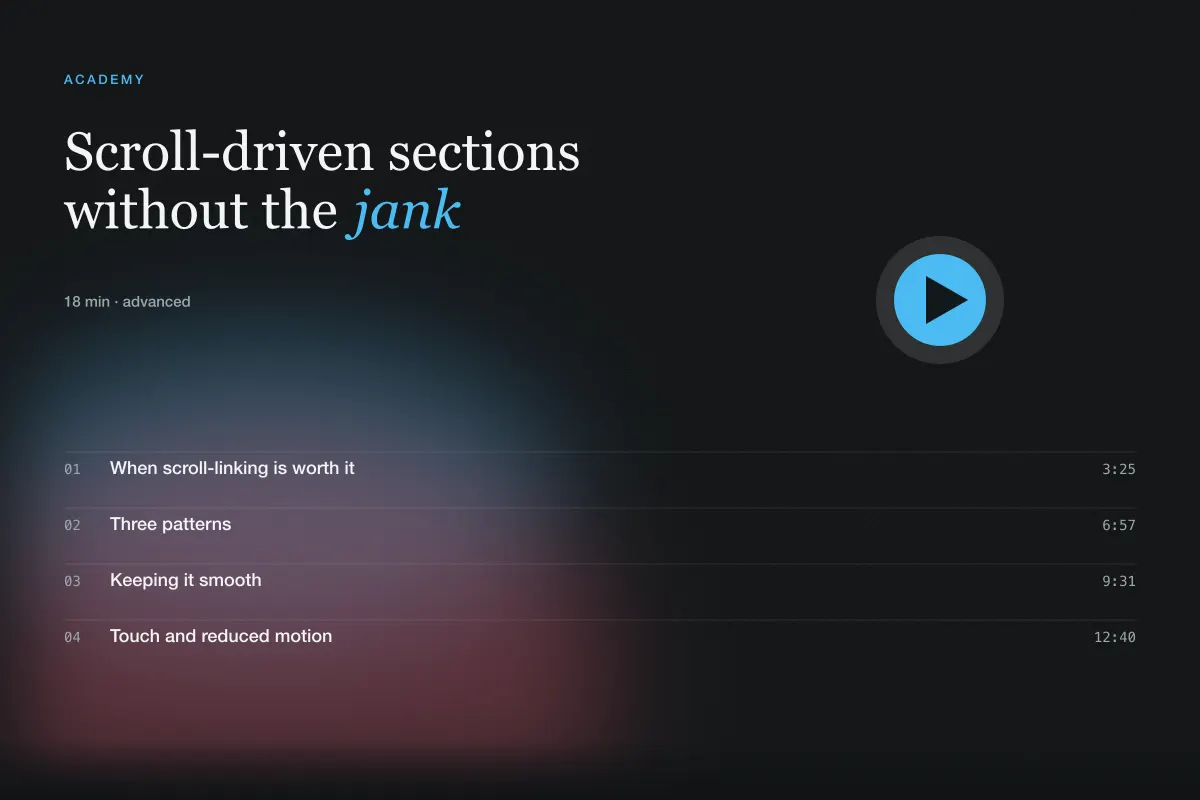
Scroll-driven sections without the jank
How to describe pinned sequences, progress lines and parallax so they stay smooth and accessible.
Published · Updated
When scroll-linking is worth it
Scroll-linked motion ties an animation's progress to the scrollbar rather than to time. Done well it turns a page into a sequence the reader controls; done badly it turns a page into a fight with the browser. Before you ask for it, ask what the scroll position means in your section. If the answer is "the robot assembles as you read about how it's built" you have a reason. If the answer is "it looks cool" you have a parallax hero nobody asked for.
The prompts in this library use scroll-linking sparingly: an assembly sequence, a case-study rail, a progress line along a workflow. Each one maps scroll to a story beat.
Three patterns
The pinned sequence. A section stays fixed while the page scrolls, and the scroll distance drives frames — an image sequence, a diagram highlighting in stages, captions appearing at set points. Describe the total scroll distance (usually 200–300% of the viewport height), the number of frames or steps, and where captions appear as percentages of progress.
The progress line. A path or bar fills as the user moves through a section: a line connecting three steps, a timeline, a table of contents indicator. This is the gentlest pattern and the easiest to build well; specify the start and end triggers ("from when the section top hits 80% of the viewport to when its bottom hits 20%").
Parallax layers. Elements move at different speeds relative to scroll. Keep the ratios modest — 0.6× to 0.9× — and apply them to decorative layers, never to text. State the ratios explicitly; builders otherwise choose dramatic values.
Keeping it smooth
Scroll-linked animation is only as good as its frame rate. Three instructions prevent most problems.
First, only animate transform and opacity. Anything that changes layout — height, top, margin — will stutter. If a builder proposes animating width for a progress bar, ask for transform: scaleX() with a left origin instead.
Second, read scroll position through the platform, not through your own listeners. On modern browsers CSS scroll-driven animations (animation-timeline: view()) need no JavaScript at all. Where support is missing, an IntersectionObserver plus a single requestAnimationFrame loop is the fallback; a naked scroll event handler that touches the DOM is not.
Third, pre-size everything. Image sequences need every frame at the same dimensions and an aspect-ratio box; pinned sections need their height reserved before the pin starts. Layout shift inside a pinned section is the most common cause of visible jumps.
Touch and reduced motion
On touch devices, pinned sections behave differently: scroll is momentum-based, the address bar resizes the viewport, and horizontal scrubbing fights native gestures. The library's rule is to degrade horizontal rails to native horizontal scrolling with scroll-snap on touch, and to shorten pinned sequences or replace them with a static composition below 768px.
Under prefers-reduced-motion, scroll-linked motion should become a static layout that shows the final state — the assembled robot, the filled progress line — with content fully readable. Say this explicitly; it is the clause builders most often forget for scroll effects.
Prompt language
Here is how a pinned sequence reads in a library prompt:
A pinned section with 24 frames of the robot assembling, scrubbed by scroll over 250vh, with three captions appearing at 20%, 55% and 85% progress. Frames share one aspect-ratio box (16:9) preloaded before the pin begins; only transform and opacity animate. Below 768px, show the final frame with the three captions stacked. Under prefers-reduced-motion, same static treatment at every width.
Everything a builder needs is there: distance, frames, caption timing, performance constraints and both fallbacks. That paragraph is longer than "assemble the robot on scroll", and it is the reason the result works.